Guide
Seasons
A farm shop’s year has seasons, and so does Furrow. Give each one its dates once, and the store changes by itself when it begins: no one has to remember to swap the home page on the first of December.
What a season changes
While a season is on, it:
- gives the page’s own color scheme (Scheme 1) its accent color, used for small headings and details;
- leads The season band on the home page with its name, short line, drawing and the order-by dates coming up, and links to its collection;
- fills the Season opening with its name, dates, short line and image, and Gifts and the year with its collection;
- gives Christmas: the opening its short line, when you leave the section’s own text empty.
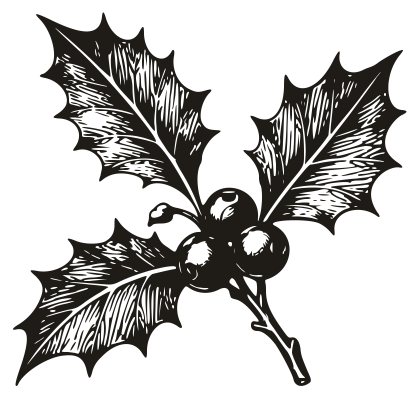
The season whose drawing is Holly is treated as Christmas: while it’s on, sprigs of holly join the hamper builder’s basket, the drawn hampers, the board planner and the gift card. Keep Holly as your Christmas season’s drawing, whatever you call the season.
Between seasons, The season band looks ahead to the next one (“Christmas from December 1”), and the rest of the store wears its usual colors.
Setting up your seasons
In the theme editor, open Theme settings > Seasons. There are eight; Christmas, Easter, Summer and Harvest are filled in for you, and each preset brings its own (the Larder has Thanksgiving and the spring cheeses; Hedgerow has Marmalade, Elderflower and Sloe). For each one:
- Name: shown to customers, like Christmas or Strawberry season. Clear the name to switch a season off.
- Dates: typed like
December 1 to December 26. Without a year, the season comes back every year. A season can cross the new year:December 27 to January 6. - Accent color: dark enough to read as text on your page’s background, since small headings use it.
- Drawing: one of the engraved motifs below, or none.
- Short line: a sentence for the season, like “Hampers, wreaths and everything for the table.”
- Collection to lead with and an Image.
Where two seasons’ dates overlap, the first in the list wins: put a short season, like the week of a food festival, above a long one, like summer.
The seasons’ drawings
Holly 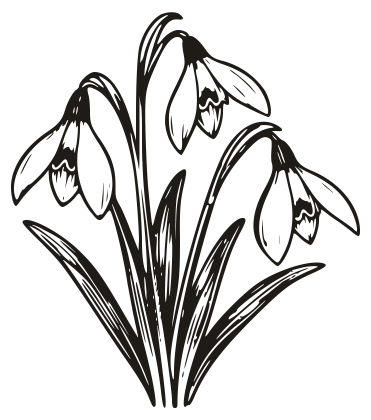
Snowdrops 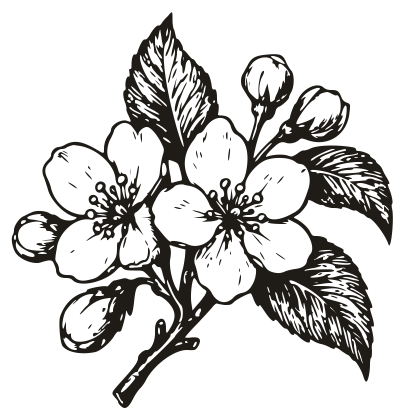
Blossom 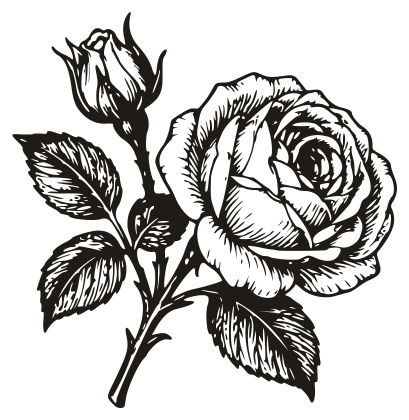
Roses 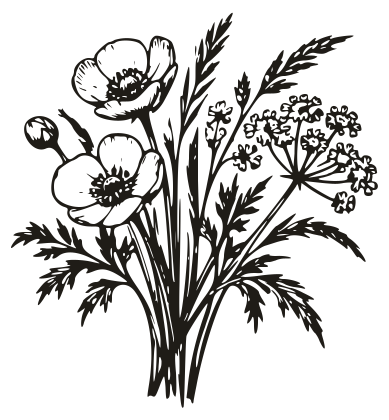
Meadow flowers 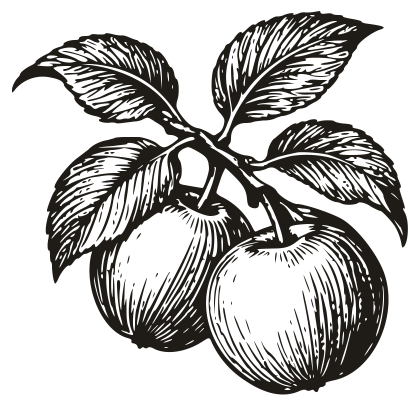
Apples 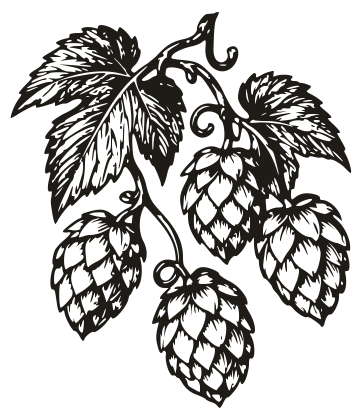
Hops
Seeing a season before it starts
Type a date into Preview the site as on, like 2026-12-23, and the theme editor shows the store as it will look that day: the season, What’s ready to pick and the pickup days. Customers never see it, so you can leave it while you work, and clear it when you’re done.
To show a season now, whatever the date, choose it under Season; choose None for no season at all. Set it back to Automatic, by date afterward, or the store will stay in that season.
Every season setting
Up to eight seasons. The one whose dates include today dresses the site: its accent color, its drawing and, in the sections that show a season, its words, collection and picture. Where dates overlap, the first season in the list wins.
- Season
- Automatic follows the dates. Choose a season to show it now, or none for no season.
- The choices: Automatic, by date, None, Season 1, Season 2, Season 3, Season 4, Season 5, Season 6, Season 7, Season 8.
- Preview the site as on
- A date like 2026-12-23. Only changes what you see here in the theme editor, never what customers see.
Season 1 to Season 8
Each of the 8 has the same settings.
- Name
- Leave blank to switch the season off.
- Dates
- Like December 1 to December 26. Without a year, the season comes back every year.
- Accent color
- Used for small headings and details while the season is on. Choose a dark enough color to read as text.
- Drawing
- The choices: Holly, Snowdrops, Blossom, Roses, Meadow flowers, Apples, Hops, None.
- Short line
- Collection to lead with
- Shown in the season’s sections and linked from them.
- Image
| Season | Name | Dates | Accent color | Drawing | Short line |
|---|---|---|---|---|---|
| 1 | “Christmas” | “December 1 to December 26” | #7A3F45 | Holly | “Hampers, wreaths and everything for the table, made and grown here.” |
| 2 | “Easter” | “March 21 to April 25” | #2F5E4B | Blossom | “Eggs, lamb and the first spring greens.” |
| 3 | “Summer” | “June 1 to August 31” | #4A4A3A | Roses | “Strawberries, picnics and long evenings on the farm.” |
| 4 | “Harvest” | “September 1 to October 31” | #6F5A12 | Apples | “Apples, pumpkins and the new season's cider.” |
| 5 | Blank | Blank | #785E21 | None | Blank |
| 6 | Blank | Blank | #785E21 | None | Blank |
| 7 | Blank | Blank | #785E21 | None | Blank |
| 8 | Blank | Blank | #785E21 | None | Blank |