Guide
Gift cards
A gift card from a farm shop should feel like something you’d tuck into a card. Furrow draws it as an engraved card, filled in as the customer writes their message, and gives the person who receives it a page they can show at your register.
The gift card product
- In your admin, go to Products > Gift cards and add a gift card product, with an amount for each value you sell: $25, $50, $100.
- Choose the
voucherproduct template for it. - In the theme editor, open the gift card product and set up the Gift card section.
The page shows the card as it will look, with the amount set large and the customer’s words appearing on it as they type. The gift card comes to the buyer by email, or they tick Send it to them by email and give the person’s email address and name, a message and the day to send it: Shopify sends it on that day, or straight away if no day is chosen.
If you sell a printed card that you mail yourself, as an ordinary product rather than a Shopify gift card, the same template asks for To, From and a message instead, and they arrive with the order.
The section’s settings choose the card’s drawing (with Holly at Christmas while the season whose drawing is holly is on), what the card is for (“To spend in our shop and café, or online”), the longest message, how it reaches them, and up to four steps explaining how it works.
The page they receive
Shopify emails the gift card with a link to its page. Furrow’s page shows who it’s for and the message, the card as printed, what’s left on it, the code to copy, a QR code, how to use it, a button to print it and, where the device offers it, Add to Apple Wallet.
In Theme settings > Gift cards:
- Gift cards can be spent in person adds how to use the card in your shop, café or stall, and labels the QR code for scanning at the register. Turn it on only if your register takes Shopify gift cards (Shopify POS does).
- Drawing on the gift card chooses its engraving, or upload Or your own drawing.
Experiences as gifts
An experience’s page has a Gift link beside the Book button: point it at your gift card product, so a workshop or a day out can be given as a gift card of the right amount.
Every setting
- Show how to spend gift cards in person
- Adds how to use a gift card in your shop, café or stall to the gift card page, and labels its QR code for the register. Only if your register can take them (Shopify POS can).
- Drawing on the gift card
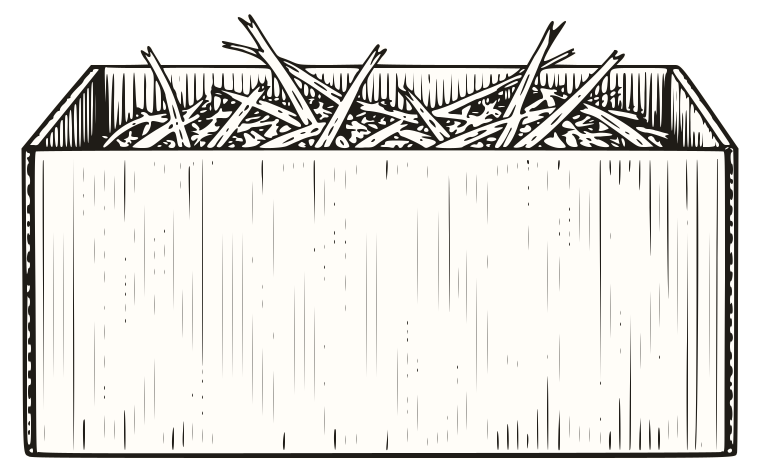
- The choices: Wicker basket, Gift box, Box, Bag, Jar, Can, Loaf, Cookies, Short bottle, Tall bottle, Milk bottle, Round cheese, Cheese wedge, Cheeseboard, Holly.
- Or your own drawing
- Shown in place of the drawing above. A drawing on a transparent background, at least 800px wide.